
safety
5 Essential Safety Tips for Motorcycle Riders
Discover five crucial safety tips that every motorcycle rider should know to stay safe on the road.
April 22, 2025
7 min read
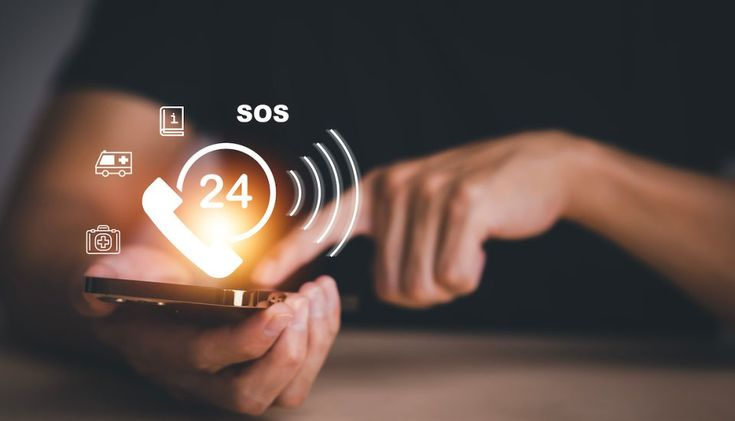
One of the most powerful features of your SAVIOR device is its ability to instantly alert your emergency contacts when you need help. However, this feature is only as effective as the contacts you've configured. In this guide, we'll walk you through best practices for setting up your emergency contacts to ensure you get the help you need when it matters most.
Taking the time to properly configure your emergency contacts now can make a critical difference in an emergency situation. Let's explore how to optimize this essential feature of your SAVIOR device.
When selecting emergency contacts, consider people who are reliable, responsive, and ideally located in different areas. We recommend adding at least three emergency contacts to ensure someone is available to respond when needed.
Your primary contact should be someone who is typically available and can respond quickly. This might be a spouse, partner, family member, or close friend. Secondary contacts might include family members, friends, or colleagues who can be reached if your primary contact is unavailable.
Consider adding contacts with different schedules. If you have one contact who works night shifts and another who works days, you'll have better coverage regardless of when an emergency occurs.

For each emergency contact, provide as much information as possible. This includes their full name, relationship to you, primary phone number, and alternative phone number if available. If your contact uses WhatsApp, be sure to verify that the phone number you've entered is also their WhatsApp number.
Consider adding notes about each contact, such as their typical availability or specific instructions on how they should respond in different situations. For example, you might note that one contact has medical training or another has a key to your home.
Keep your contacts' information up to date. If a contact changes their phone number or moves to a new location, update this information in the SAVIOR app immediately.
The SAVIOR app allows you to designate a primary emergency contact who will be notified first in an emergency. Choose someone who is most likely to respond quickly and who knows what to do in an emergency situation.
Your secondary contacts will be notified if your primary contact doesn't acknowledge the alert within a specified time period (default is 2 minutes, but this can be adjusted in settings). This ensures that help is still on the way even if your primary contact is unavailable.
Consider the geographical location of your contacts when designating primary and secondary contacts. If you frequently travel, it might make sense to have contacts in different regions.
The SAVIOR app allows you to customize the emergency message that will be sent to your contacts. While the default message includes essential information like your name and location, personalizing it can provide additional context that might be helpful in an emergency.
Consider including information about medical conditions, allergies, or medications in your emergency message. This information can be crucial for first responders if your emergency contacts share it with them.
You can create different message templates for various scenarios. For example, you might have one message for medical emergencies and another for situations where you feel unsafe but aren't in immediate danger.
Once you've set up your emergency contacts, it's essential to test the system to ensure everything works as expected. The SAVIOR app includes a test mode that allows you to send a test alert to your contacts without triggering a full emergency response.
Inform your contacts before running a test so they know not to call emergency services. After the test, confirm with your contacts that they received the alert and could access your location information correctly.
We recommend testing your emergency contacts system monthly and after any significant updates to the app or your device. Regular testing ensures that you and your contacts are familiar with the system and can respond effectively in a real emergency.
Make sure your emergency contacts understand what SAVIOR is and how it works. Explain that they may receive alerts with your location if you activate the emergency button, and discuss how you'd like them to respond in different scenarios.
Consider creating a simple action plan for each contact. For example, you might ask one contact to call emergency services while another tries to reach you directly. Having clear roles can prevent confusion and ensure a more effective response.
Remind your contacts to keep their phones accessible and check that notification sounds are enabled for the SAVIOR app. In an emergency, every second counts, and a missed notification could delay the response.
By following these best practices, you'll maximize the effectiveness of SAVIOR's emergency contact system and ensure that help is just a button press away when you need it most.

Safety Expert at SAVIOR. Passionate about helping people stay safe in all situations.